Live calculations
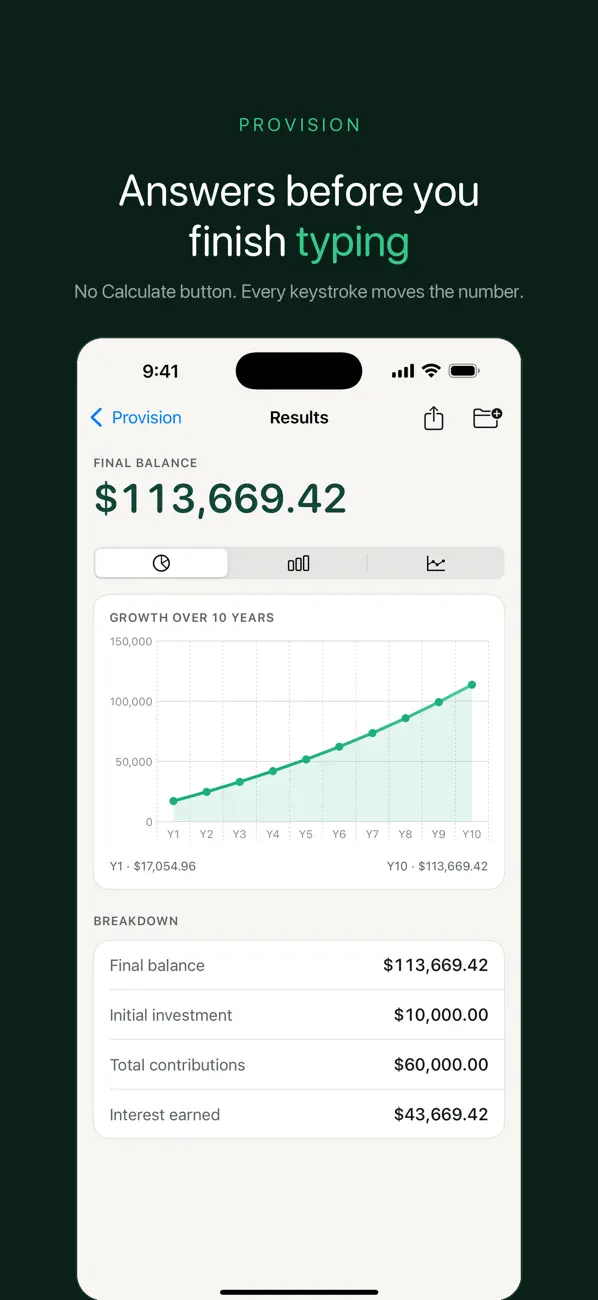
Change an input. See the effect.
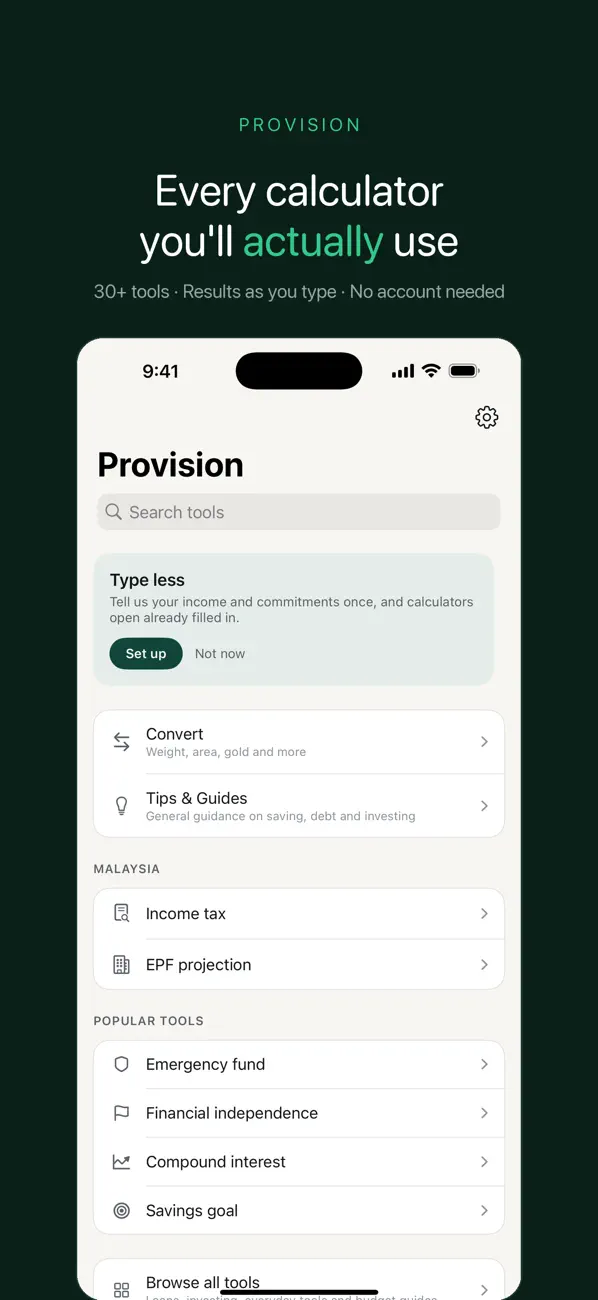
Use more than 30 calculators covering loans, savings, retirement, tax and household finances. Results update as you enter your assumptions.
 Provision

See the numbers before you decide.
Explore loans, savings, retirement, tax and budgets with financial calculators that update as you type. Set a region, compare your assumptions and keep the results you want to revisit.

Made for everyday use
Provision helps you turn an open question into a set of numbers you can inspect. Compare loan scenarios, plan a savings target or work through a budget before making a decision. Calculations are estimates, not personalized financial advice.
Live calculations
Use more than 30 calculators covering loans, savings, retirement, tax and household finances. Results update as you enter your assumptions.
Regional settings
Malaysia, Singapore, Thailand, Indonesia, the Philippines and Vietnam are built in. Check the date and linked authority for rates or rules before relying on them.
Your own numbers
A financial profile can prefill your household, income and commitments. Explore budgeting frameworks and track net worth without entering the same numbers for every calculation.
Plans & goals
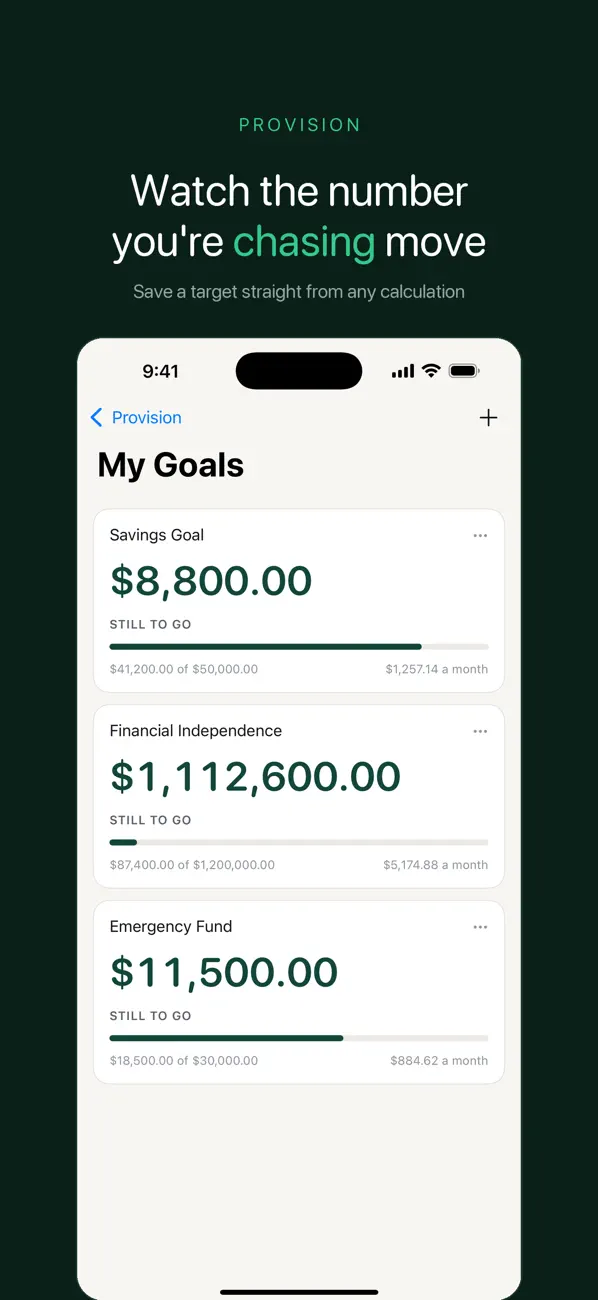
Follow a sequence of calculators for a life situation, or create a savings target from a result and track checkpoints toward it.
History & sharing
Automatic history keeps previous calculations. Save selected results in My Files, and share a designed result card or PDF when you need a record.
Everyday conversion
Convert measurements such as length, area, weight, temperature and fuel economy, including selected local units.
Inside the app
Real screenshots from the current App Store gallery. Select an image to see it in full.
A simple place to start
Select the country context before using tax or retirement-fund tools. Review the source and date shown for the relevant figures.
Change one assumption at a time, such as a loan term or savings contribution. Treat the result as an estimate rather than a promised outcome.
Save or export the calculation with its assumptions. Verify important decisions with the relevant authority or a qualified adviser.
Set a region, build a baseline loan scenario and change one assumption at a time in Provision, treating every result as an estimate rather than a decision.
Read the guideCompare hypothetical savings plans by changing one assumption at a time, recording inputs and keeping calculator estimates in perspective.
Read the guideFree and paid options
Every calculator, every region, charts and unlimited sharing are included in the free app. Advertising supports the free experience.
Pro removes ads and adds app or screen locks, a mode that hides figures, unlimited budgets, finance snapshots and folders, custom plans, themes and icons. The US App Store lists “Premium User” at $19.99.
Prices and available purchases can vary by country and change over time. Review the current local price, entitlements and terms in the app before buying. US App Store information checked 6 November 2026.
The current App Store description says your financial figures stay on your device and are not uploaded, with no account required. Read the developer policy for the app’s wider data and advertising practices.
No. It is a calculator and planning tool. Results depend on your inputs and the rules in effect; verify important decisions with a qualified adviser or the relevant authority.
Malaysia, Singapore, Thailand, Indonesia, the Philippines and Vietnam. The app links relevant rates and rules to their sources and dates.
No. The released description includes every calculator, every region, charts and unlimited sharing in the free app.
Yes. History saves calculations automatically, and My Files lets you keep selected results deliberately.
Compare the assumptions, keep the result and decide with context.
iPhone · iOS 18.6 or later