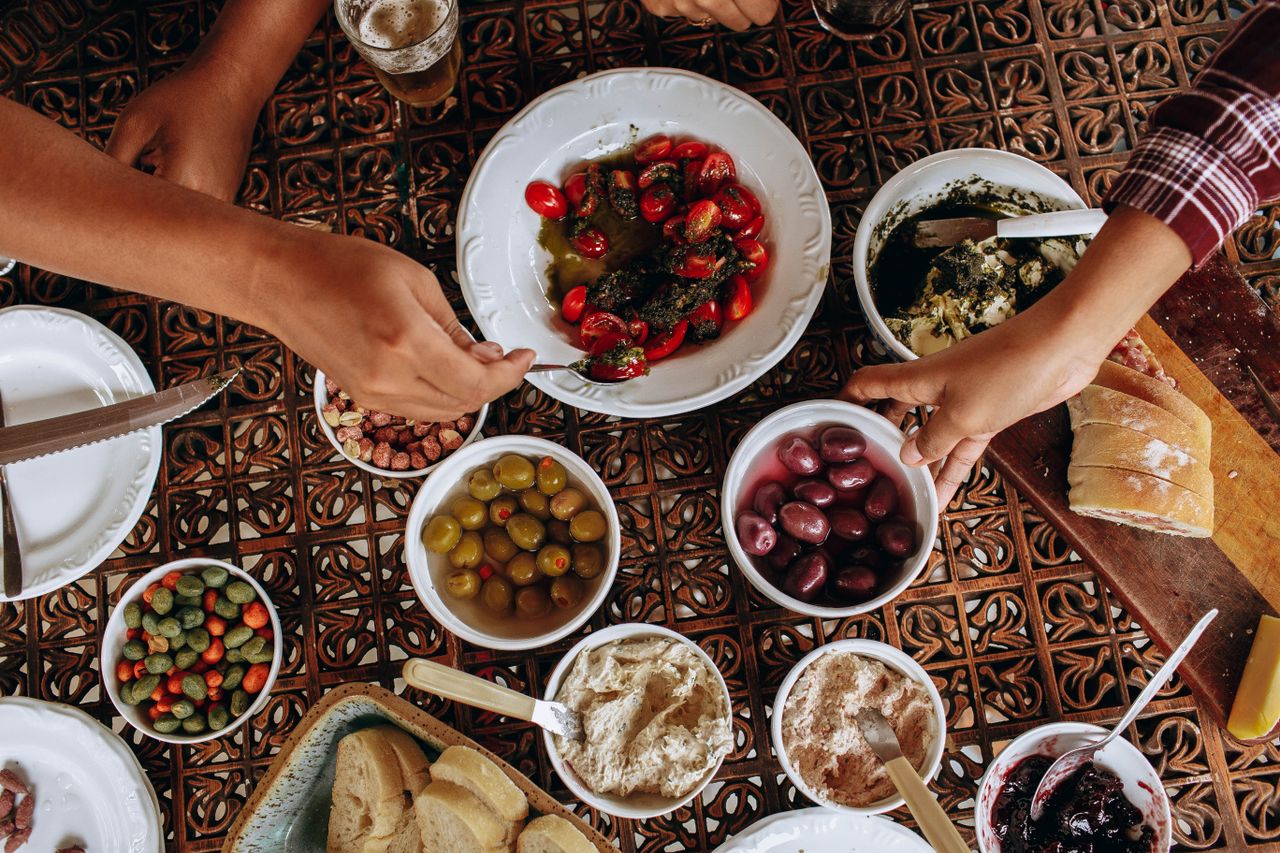
Build a dinner wheel you will actually want to use
Turn five realistic weeknight meals into a reusable DishSpin wheel, with fewer vetoes and no imaginary groceries.
Read the guide DishSpin: What to Eat Wheel

What to eat wheel for iPhone
DishSpin: What to Eat Wheel helps you decide what to eat. Spin for real restaurants near you, or build a wheel with your own dinner ideas.
Free to download. Optional DishSpin Pro subscription.
For iPhone, iOS 17 or later.

Nearby restaurantsChoose a real place to eat.
Your own choicesSave wheels for dinner, movies, or plans.
A little less back-and-forthOne wheel. One decision.
From “you pick” to a plan
Use nearby discovery when you need somewhere to go. Use a custom wheel when you already have a few ideas.
Find restaurants around you with distance, rating and price filters. Or add the choices you want to a custom wheel.
Tap, swipe or shake to spin. You can even catch the wheel mid-turn to slow it down.
For a nearby restaurant, open its details to check available information before you head out or call.
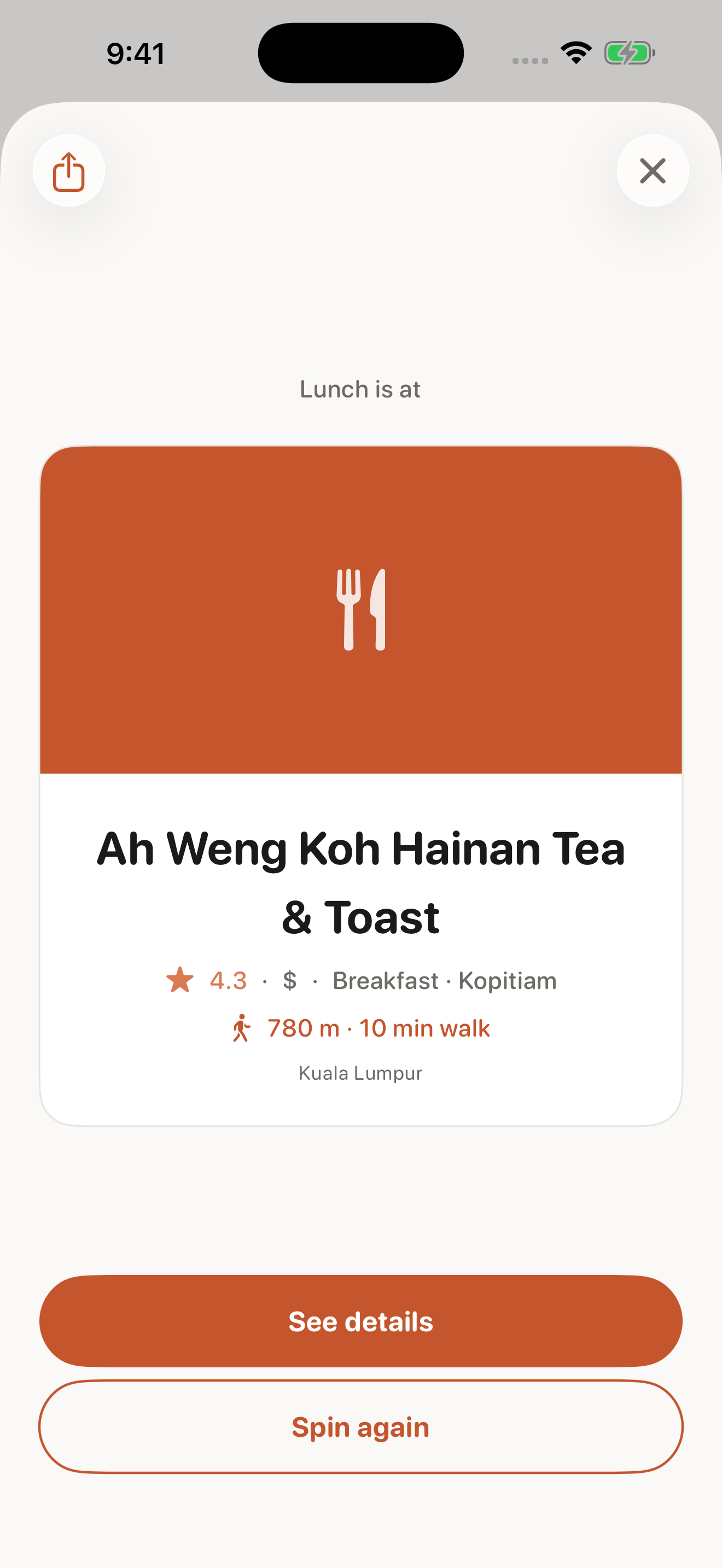
A place, not just a food idea
Nearby discovery puts real restaurants on the wheel. The result helps you work out whether that pick suits your plans.
Restaurant information can be incomplete or change. Confirm opening hours and any dietary or allergy requirements directly with the restaurant.
Your choices, your wheel
Add the meals you already want to cook, save a list of movie picks, or settle the next weekend plan. Keep as many custom wheels as you like.
Turn five realistic weeknight meals into a reusable DishSpin wheel, with fewer vetoes and no imaginary groceries.
Read the guideStart simple
The free tier works without creating an account. DishSpin Pro adds more area searches and extra control.
DishSpin: What to Eat Wheel
For everyday decisions.
Optional subscription
For a wheel that fits your routine.
Area searches find nearby places. They are different from spinning a custom list. Current subscription prices and terms are shown in the app before purchase.
Make room for something different
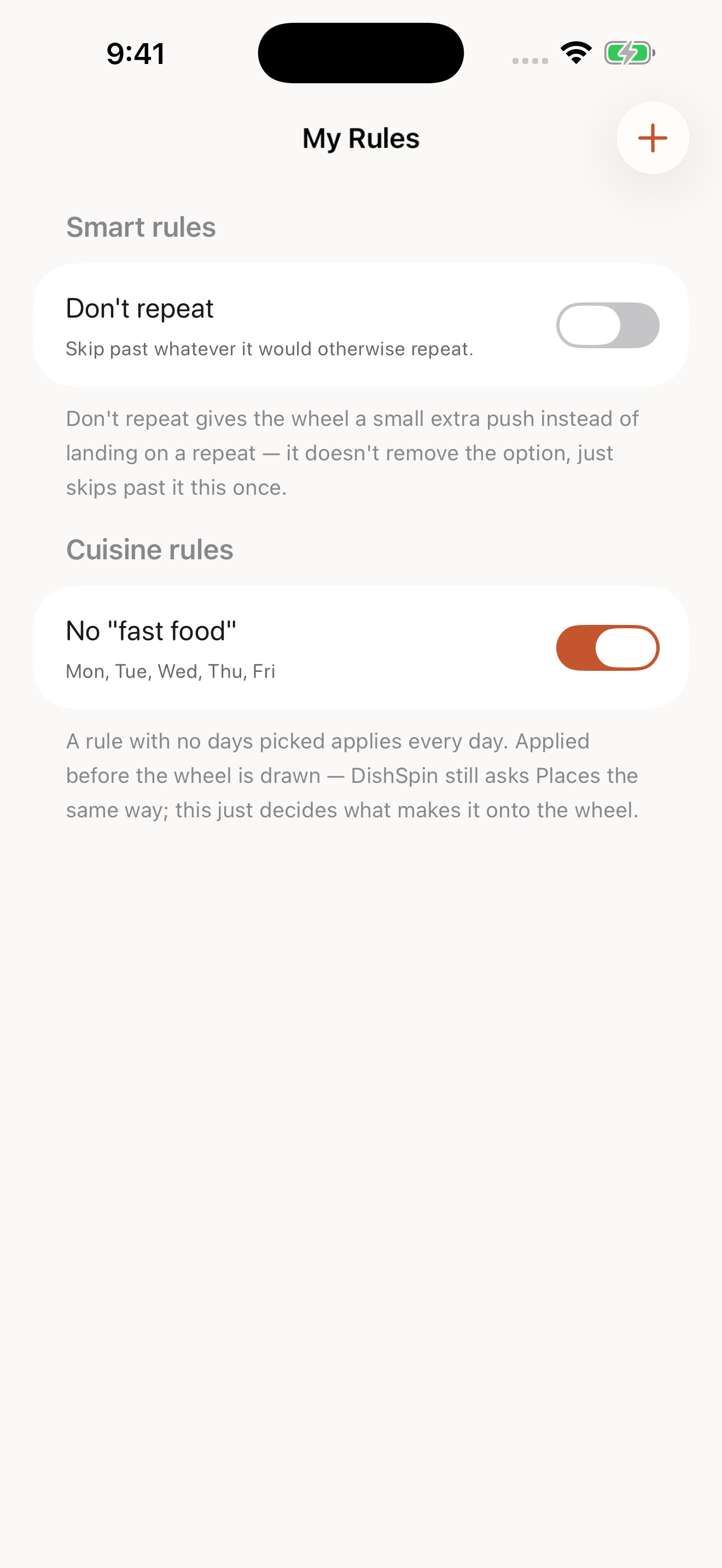
With Pro, use My Rules to leave out a cuisine on selected days. Don't Repeat helps the wheel skip a repeated result, while Surprise Me steers away from choices you've been picking often.
These are choice preferences, not guarantees about nutrition, allergens or restaurant suitability.
Good to know
Nearby discovery fills the wheel with restaurants around you. It can show available ratings, prices, distance and other listing details. A custom wheel instead uses choices you add yourself.
Yes. Add your own dinner ideas to a custom wheel and spin to choose one. You can also make wheels for movies, chores or weekend plans. DishSpin does not supply recipes or nutrition advice.
It is free to download, with an ad-supported free tier and an optional Pro subscription. The free tier includes 3 nearby area searches per day; Pro includes 10 and removes ads. Saved custom wheels are unlimited. Check the app for current subscription pricing.
No account is required for the free tier. Nearby restaurant discovery uses your location to find places around you. For a list of choices you already know, use a custom wheel.
No. Listing information can be missing or out of date. Always confirm opening hours, ingredients, allergies and dietary requirements directly with the restaurant before relying on a result.
DishSpin is designed for iPhone and requires iOS 17 or later. Check its App Store listing for current compatibility and availability in your region.
Free to download. Optional in-app subscription.